Core Features
Looking for the keys that trigger these actions? See the Keyboard Shortcuts cheat sheet.
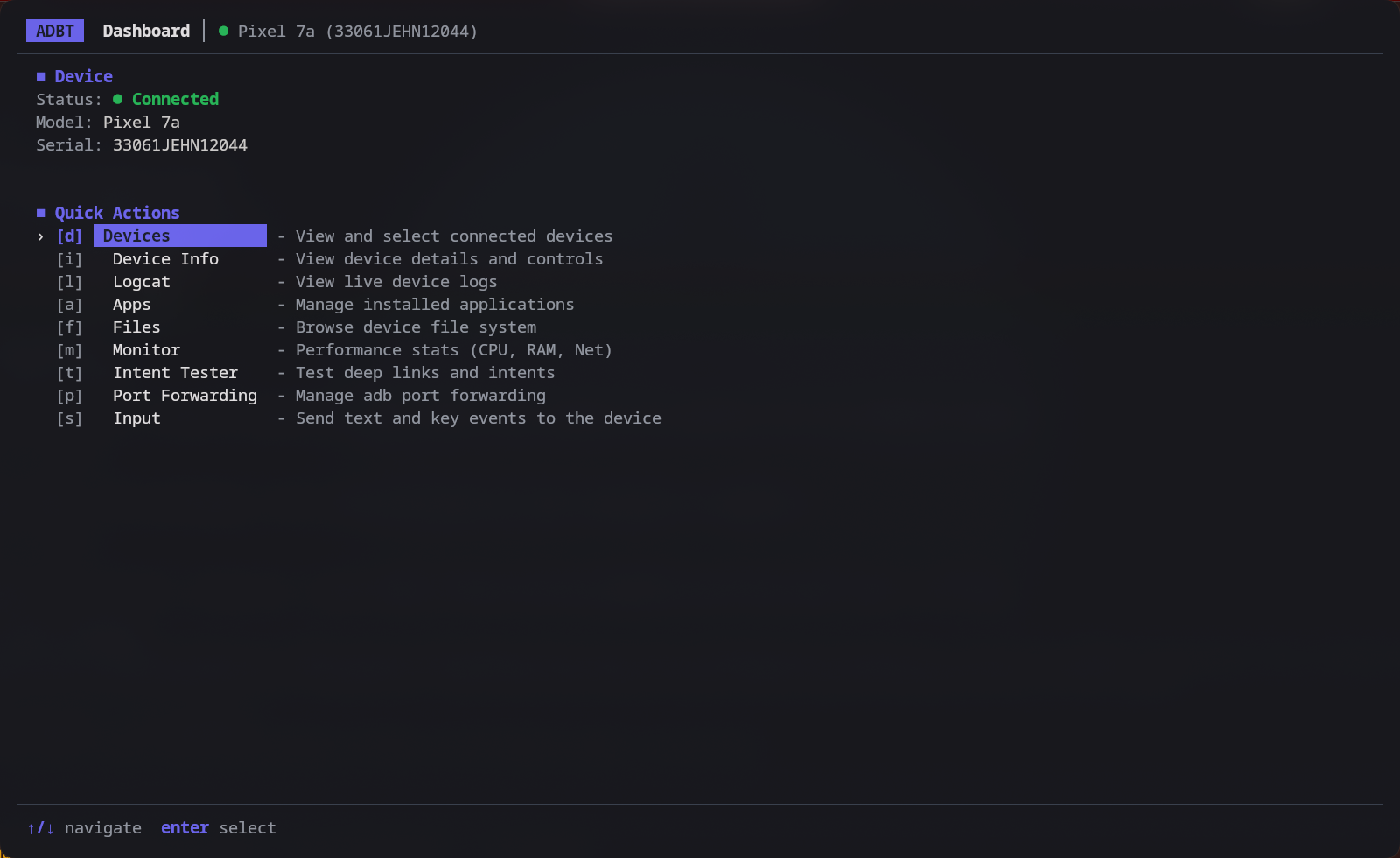
Dashboard
- The main entry point for managing devices.
- Quick Actions: Jump straight to any screen, either by its shortcut or by moving the cursor and selecting it.
- At a glance: Shows the selected device's status, model, and serial. Screens that need a device are marked when none is connected.
Devices
- Detection: Connected devices are listed as soon as
adbtstarts, and the list can be refreshed on demand. - Auto-select: When exactly one device is connected, it is selected for you.
- Wireless Pairing: Pair over Wi-Fi by entering the IP address, port, and pairing PIN from Android's "Wireless debugging" screen.
Device Management & Info
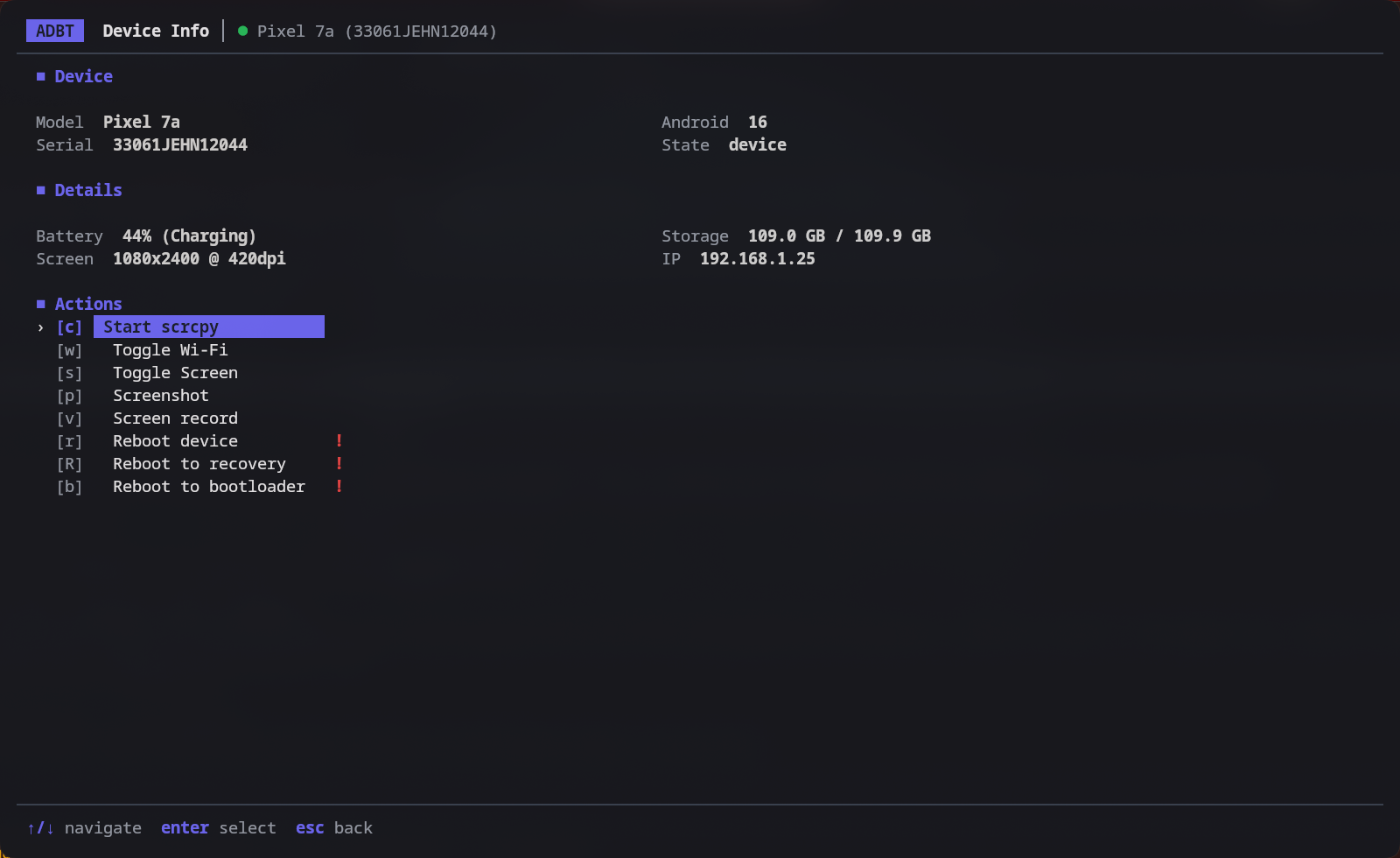
- Device Info: View detailed stats (Battery, Storage, Resolution, Android Version, IP address).
- Power Controls: Reboot, Recovery, Bootloader, and Screen Toggle.
- Wi-Fi Toggle: Turn the device's Wi-Fi on or off.
- Scrcpy Integration: Launch screen mirroring with a single keypress.
- Screen Capture: Take a screenshot or start and stop a screen recording.
Host-side files — screenshots, recordings, pulled files, logcat dumps, and extracted APKs — are written to
~/Downloadswhen that directory exists, and to your home directory otherwise.
Performance Monitor
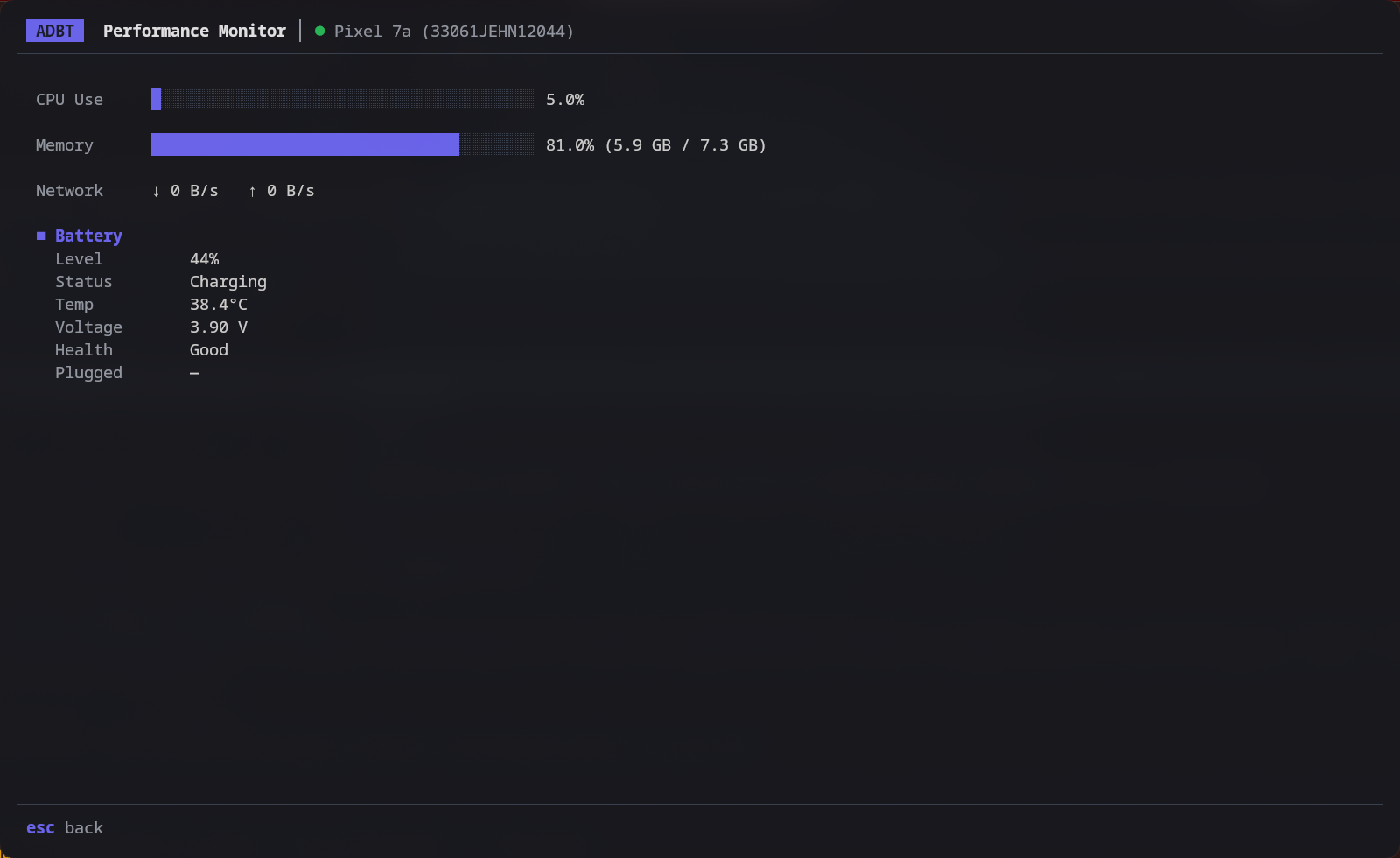
- Real-time Stats: CPU, Memory, and Network usage monitoring.
- Visual Graphs: Live progress bars for system resource consumption.
- Battery: Live level, status, temperature, voltage, health, and plug type.
- Thermal: Per-zone temperature readouts (where the device exposes them).
App Manager
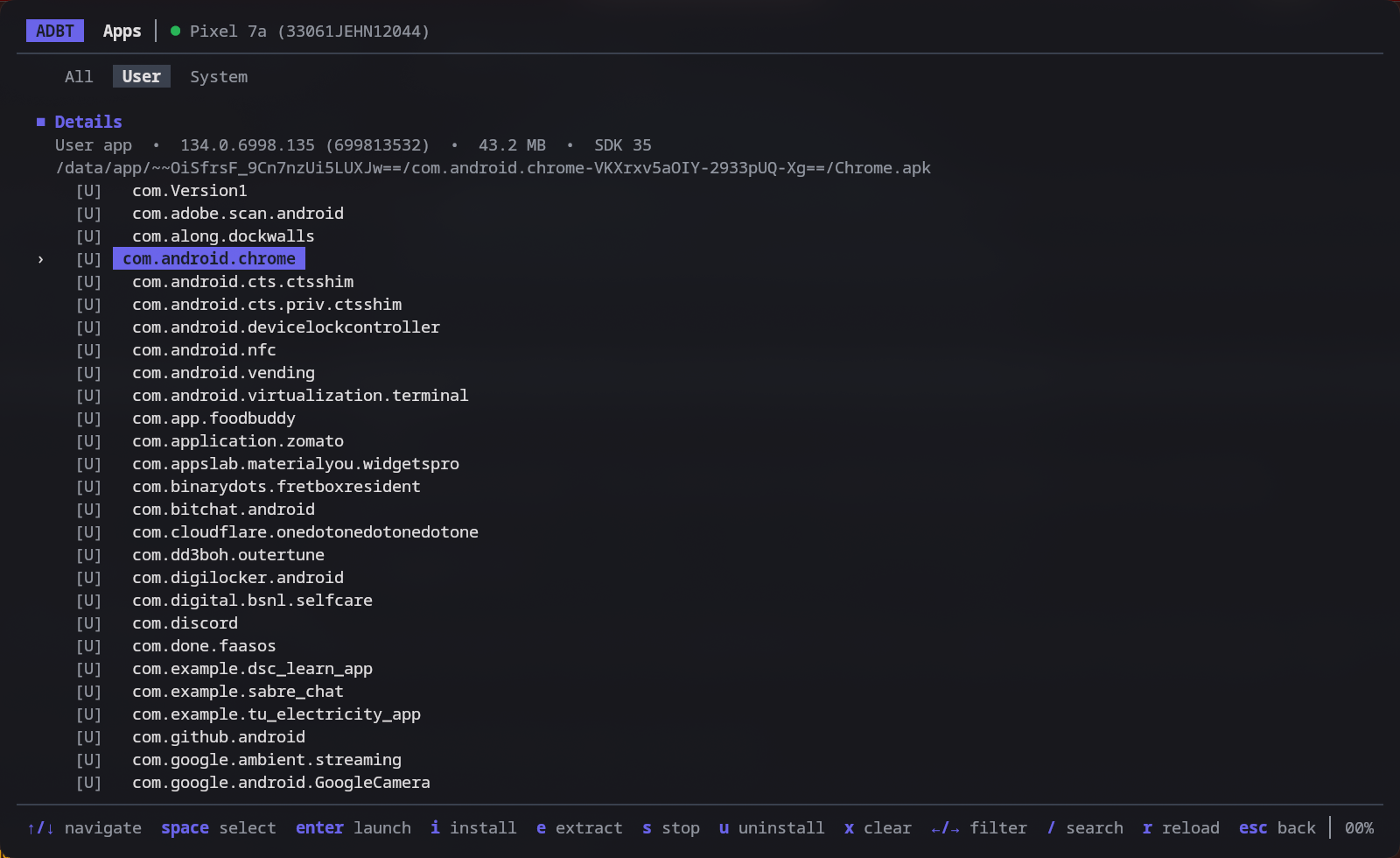
- List & Search: Browse all installed applications.
- Filtering: Toggle between User and System apps.
- Details: The highlighted app shows its version, APK size, target SDK, and APK path.
- Multi-select: Mark several apps and uninstall them in one batch.
- Actions:
- Launch App
- Force Stop
- Clear Data
- Uninstall
- Install APK
- Extract APK to host
Force Stop, Clear Data, and Uninstall all ask for confirmation before they run.
File Explorer
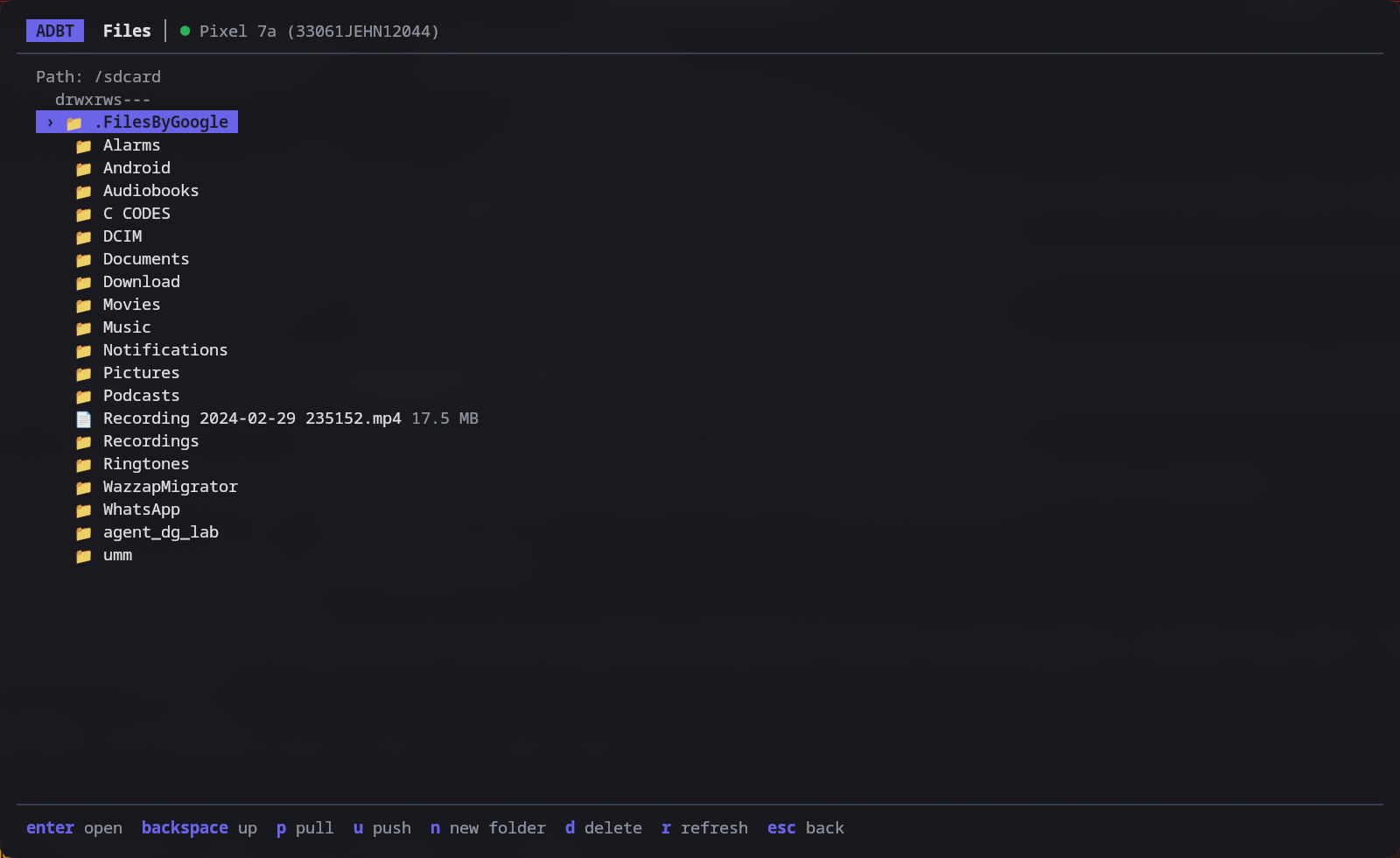
- Browse: Navigate the device file system seamlessly.
- Transfer: Pull files from the device and push files from your host.
- Manage: Create new directories, and delete files or folders with confirmation.
Logcat Viewer
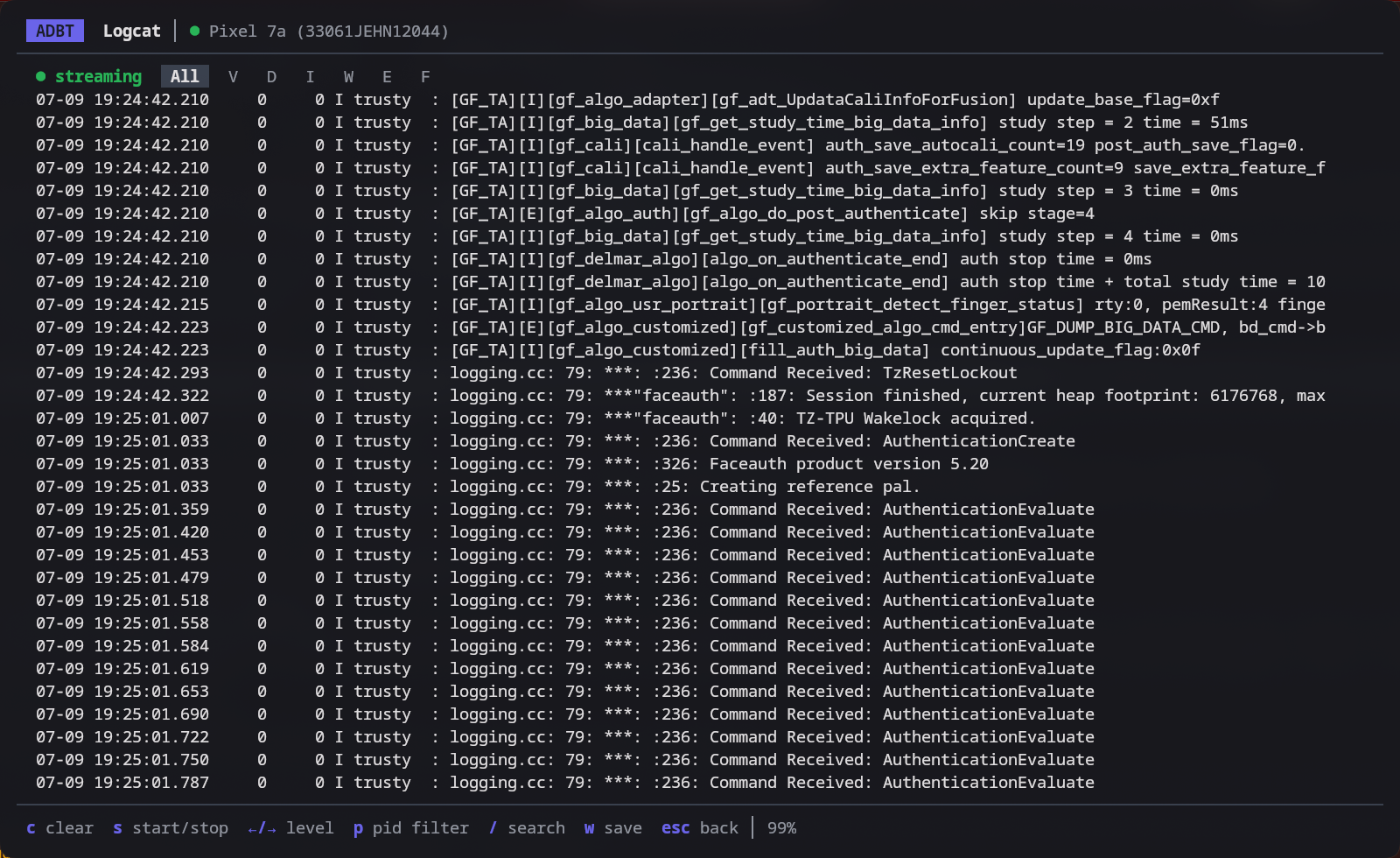
- Live Streaming: Real-time log capture with a pause/resume toggle.
- Filtering: Filter by log level, and narrow to a single app by package name or PID.
- Search: Text search with real-time highlighting.
- Save: Write the current buffer to a timestamped file on your host.
Input Sender
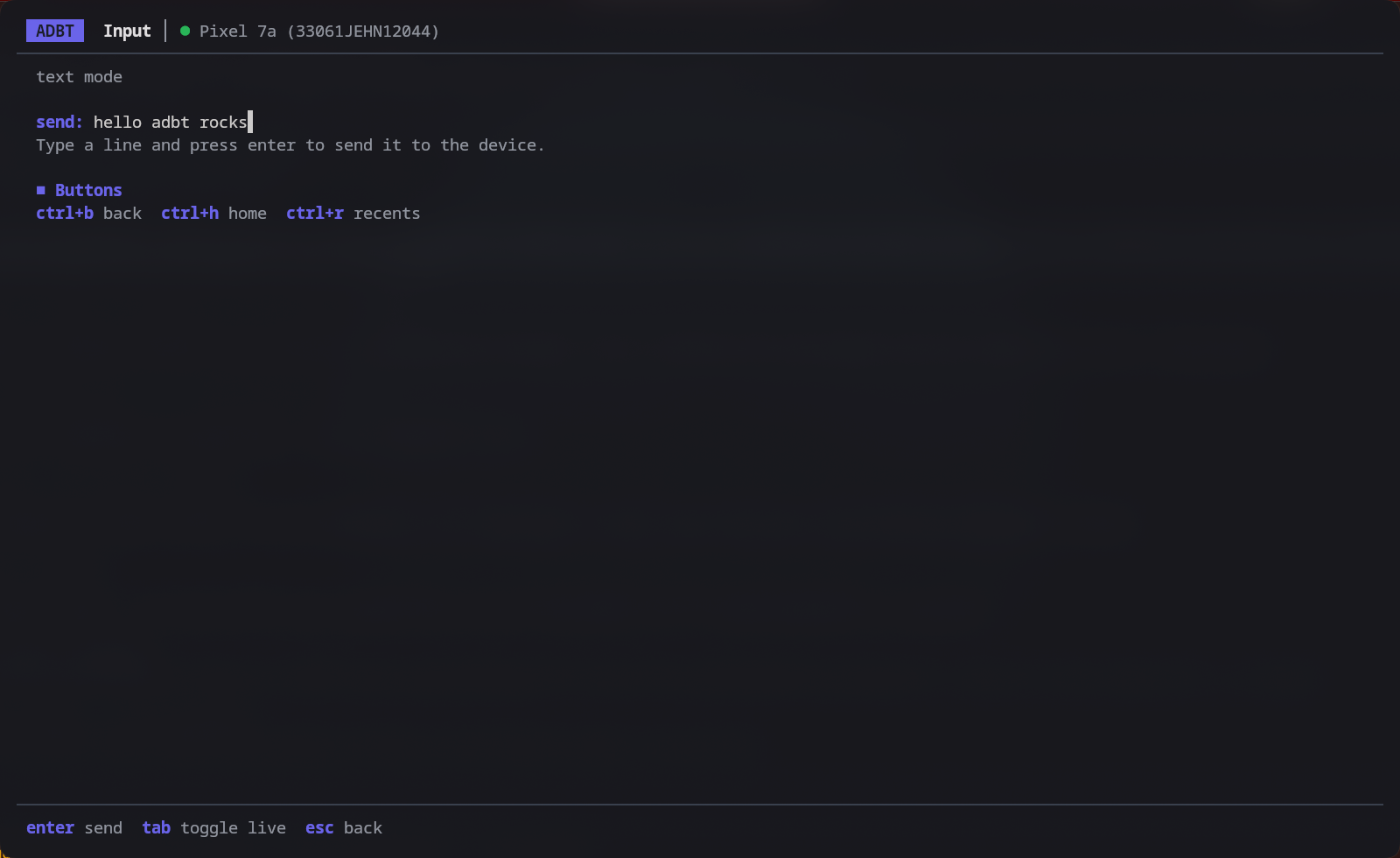
- Send Text: Type a line and send it to the device.
- Key Events: Send Back, Home, and Recents, plus Enter, Backspace, and the arrow keys.
- Live Capture: Toggle a mode that forwards each keystroke to the device as you type.
Intent Tester
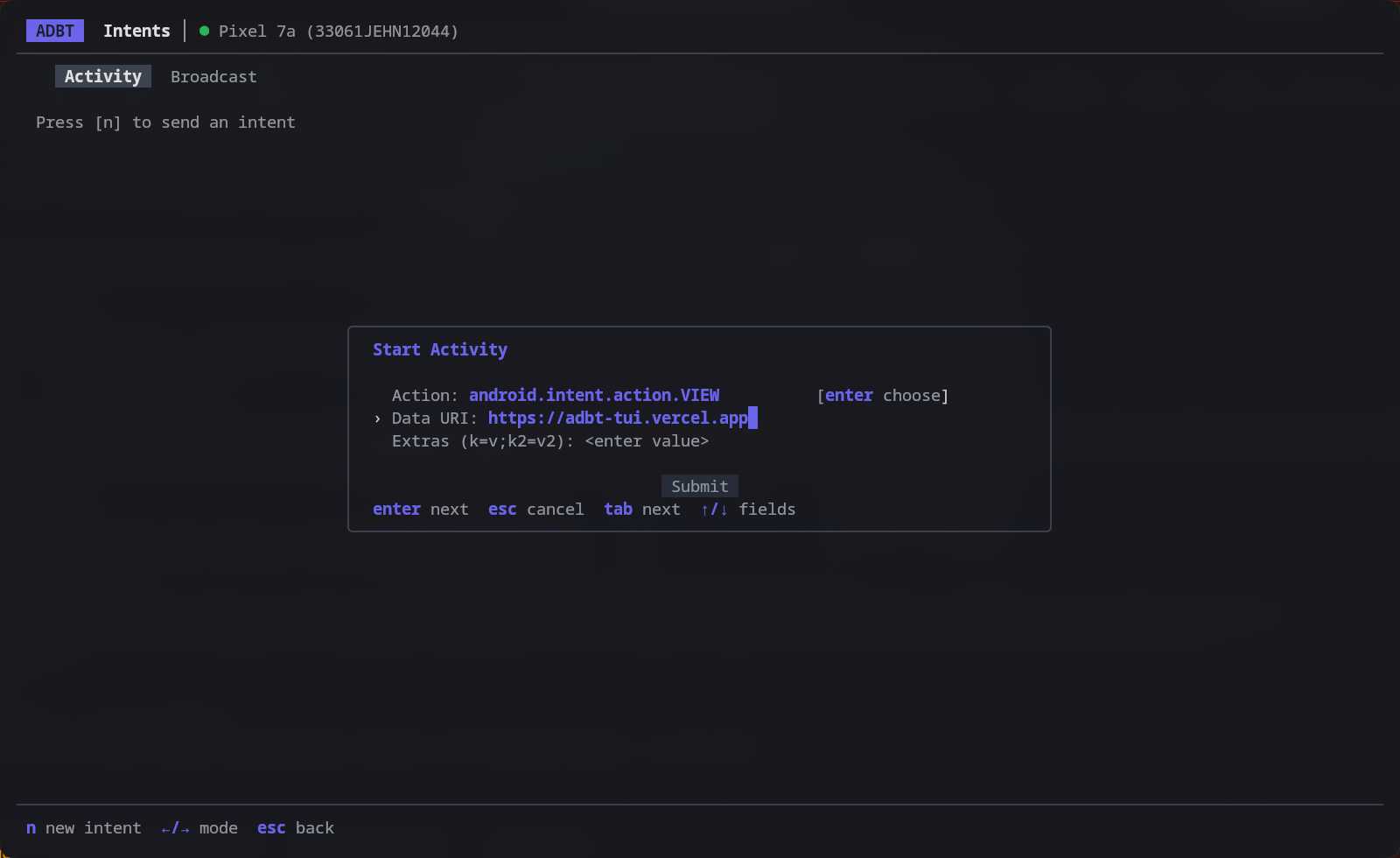
- Activity & Broadcast: Send intents to test deep links and receiver behavior.
- Suggestions: The Action field autocompletes common Android intent actions.
- Extras: Attach key/value extras as
k=v;k2=v2. - Result: The output of the last intent is shown on the screen.
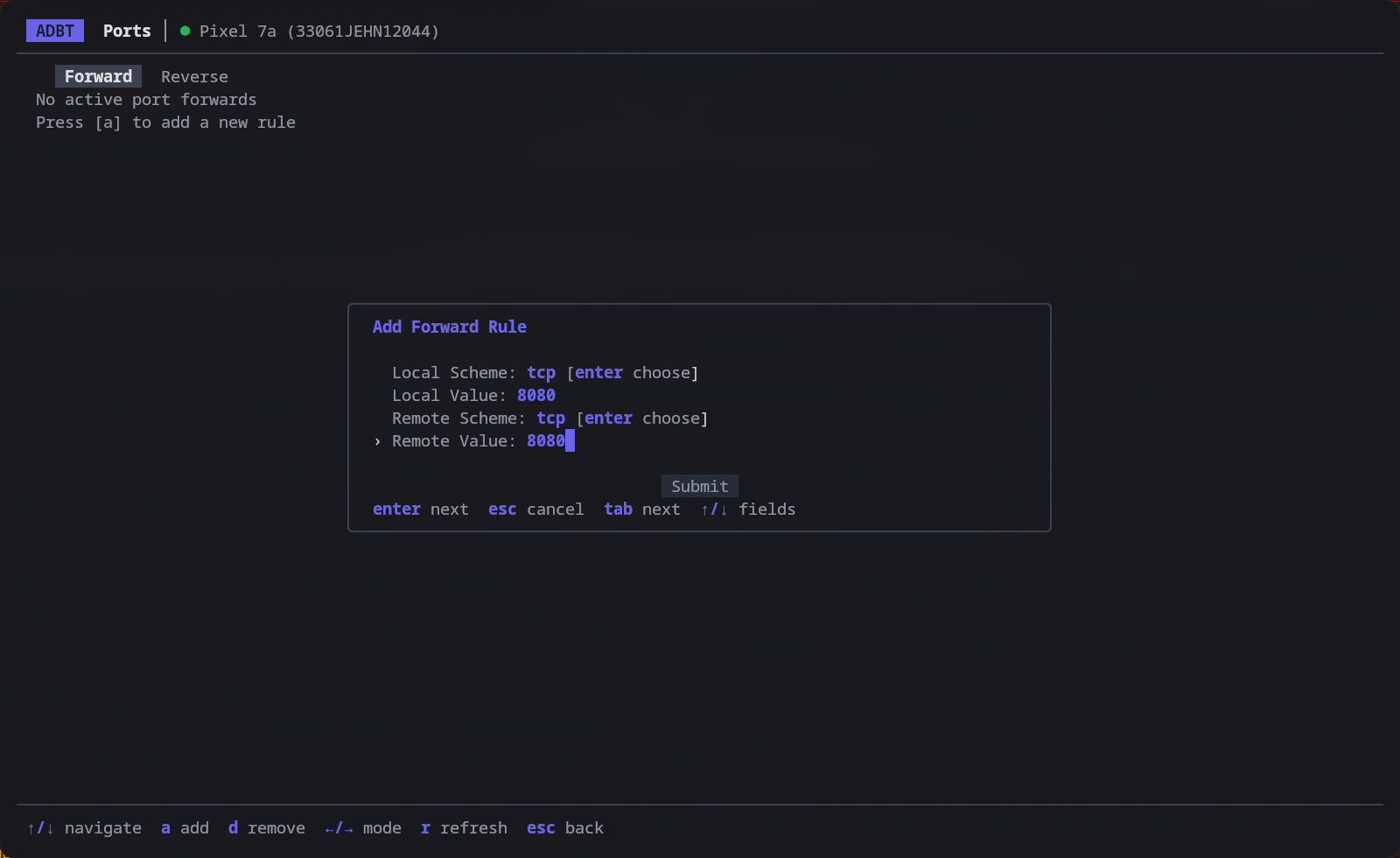
Port Forwarding
- Forward & Reverse: Manage network connections between host and device.
- Multiple Schemes: Forward rules support
tcp,localabstract,localreserved,localfilesystem,acceptfd,jdwp,vsock, anddev; reverse rules supporttcp,localabstract,localreserved, andlocalfilesystem. - Removal: Deleting a rule asks for confirmation first.